
Table of Contents
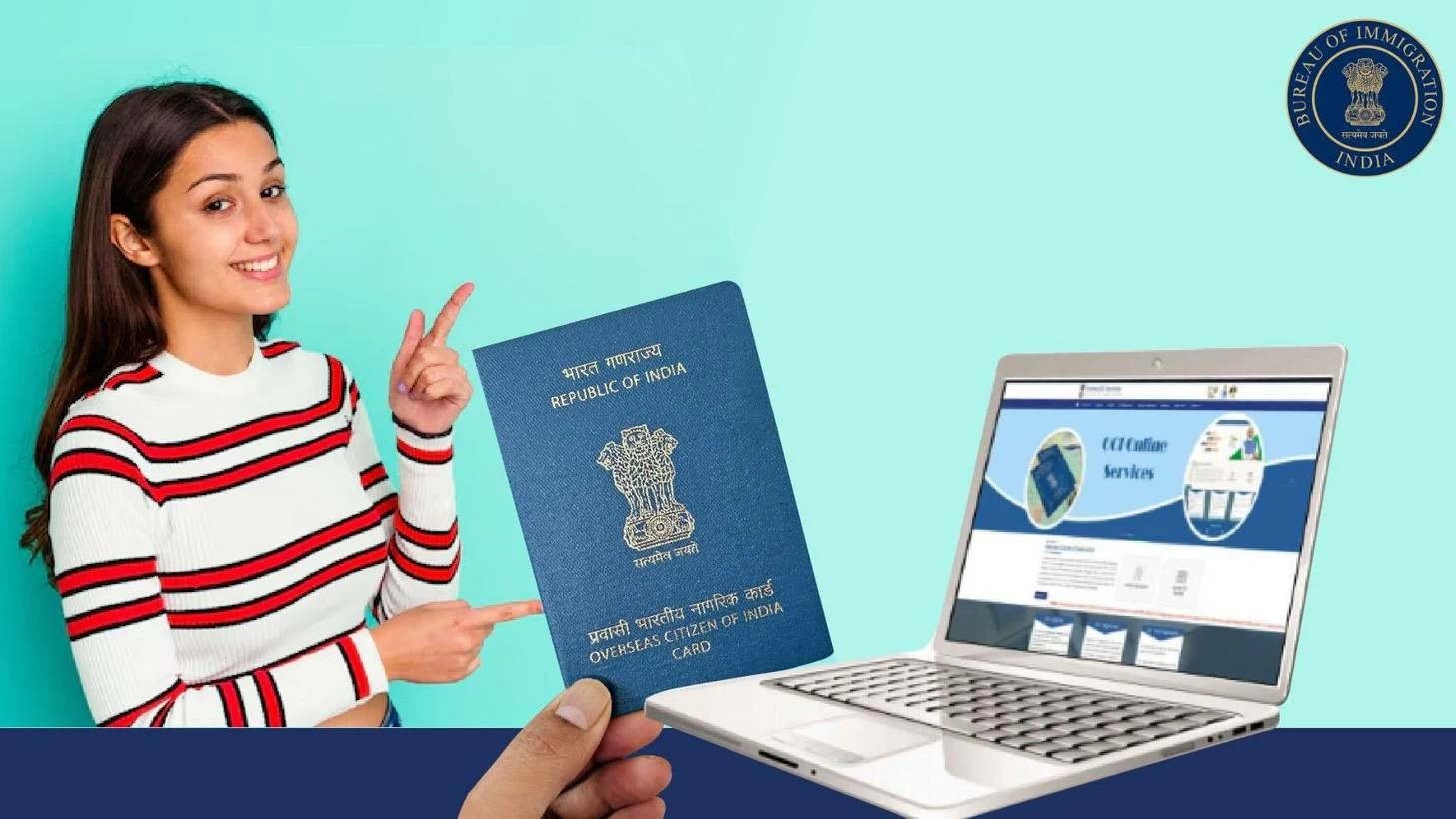
Dubai: Earlier this month, the Government of India launched the Electronic Overseas Citizen of India (e-OCI) card for overseas citizens. By going digital, the initiative aims to reduce paperwork, and make verification more efficient for eligible OCI cardholders living abroad.
If you are a UAE resident who already holds an OCI card, here’s everything you need to know about the e-OCI card, and how to download it. A point to note: The e-OCI card is not intended for all Indian nationals living in the UAE, only foreign nationals of Indian origin.
What is an OCI card?
The Overseas Citizen of India (OCI) card is a special immigration document that acts as a permanent form of residency for citizens of another country, who were once citizens of India. According to the Embassy of India, Abu Dhabi, in order to be eligible for an OCI card, you must be a foreign national of Indian origin who was an Indian citizen on or after January 26, 1950. This includes children, grandchildren, and foreign spouses of Indian citizens or OCI card holders.
An OCI card is not the same as Indian citizenship, and is not available to Indian citizens holding Indian passports.
The OCI card grants individuals multiple-entry, lifelong access to visit India, with visa-free travel, no requirement to register with local police, as well as the same financial, educational, and property rights (except the ability to purchase agricultural land or farmhouses) as enjoyed by non-resident Indians (NRIs).
The Embassy of India, Abu Dhabi website clarifies that the OCI does not grant individuals citizenship, and it cannot be used as a sole travel document. It is only valid if carried alongside your foreign passport.
Who can receive the e-OCI card?
All existing OCI cardholders can avail of this service.
According to India’s Bureau of Immigration, starting today, July 8 onwards, the country will no longer issue physical OCI booklets to new applicants. New applicants will receive only e-OCI cards, marking the formal end of physical document issuance. The application process for new applicants remains the same.
How to download the e-OCI card
Follow these steps to download the e-OCI card:
- Visit the OCI Portal at ociservices.gov.in. Log in using your existing User ID and password. New users can register using the email address they provided when applying for their physical OCI card.
- Once you are signed in, go to the dashboard and select the ‘e-OCI’ section.
- Your personal details will appear in the application form. Review the information and click ‘Generate e-OCI card’ in the last column.
- Once generated, the e-OCI card will be available for download. You can save it on your smartphone or other electronic device.
What should I do if my registered email is inaccessible?
The Bureau of Immigration – Government of India shared the following steps to update your email address before downloading your e-OCI card:
- Visit the OCI Portal at ociservices.gov.in and register as a new user using your current email address.
- Log in, click ‘Apply Online’, and then select ‘OCI Miscellaneous Services’.
- Access your OCI profile by entering:
Passport number last linked to your OCI card
OCI card number
Date of birth
- Select the ‘Email ID Updation’ option. Upload your OCI card in PDF format, and submit your application.
- Once your application is approved, your OCI card details will appear on the dashboard on the home page. Click on the e-OCI card tab to generate and download your e-OCI card.
